![Artboard 1@2x.png]](https://service.handbid.com/hs-fs/hubfs/Artboard%201@2x.png?height=40&name=Artboard%201@2x.png)
The Live Stream Event Sponsor will appear when no items are being promoted:
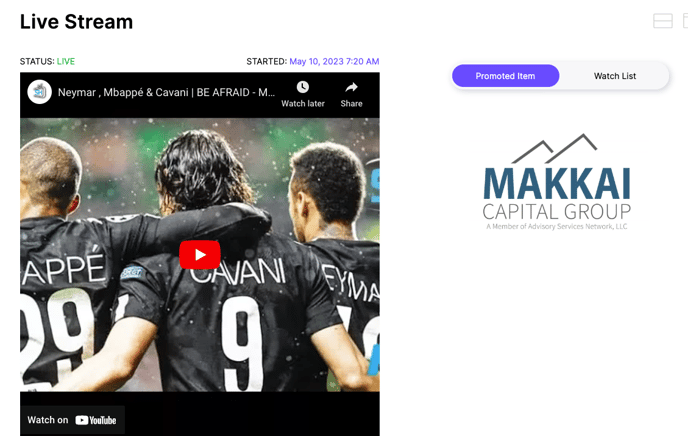
OR - when a Livestream has not been started
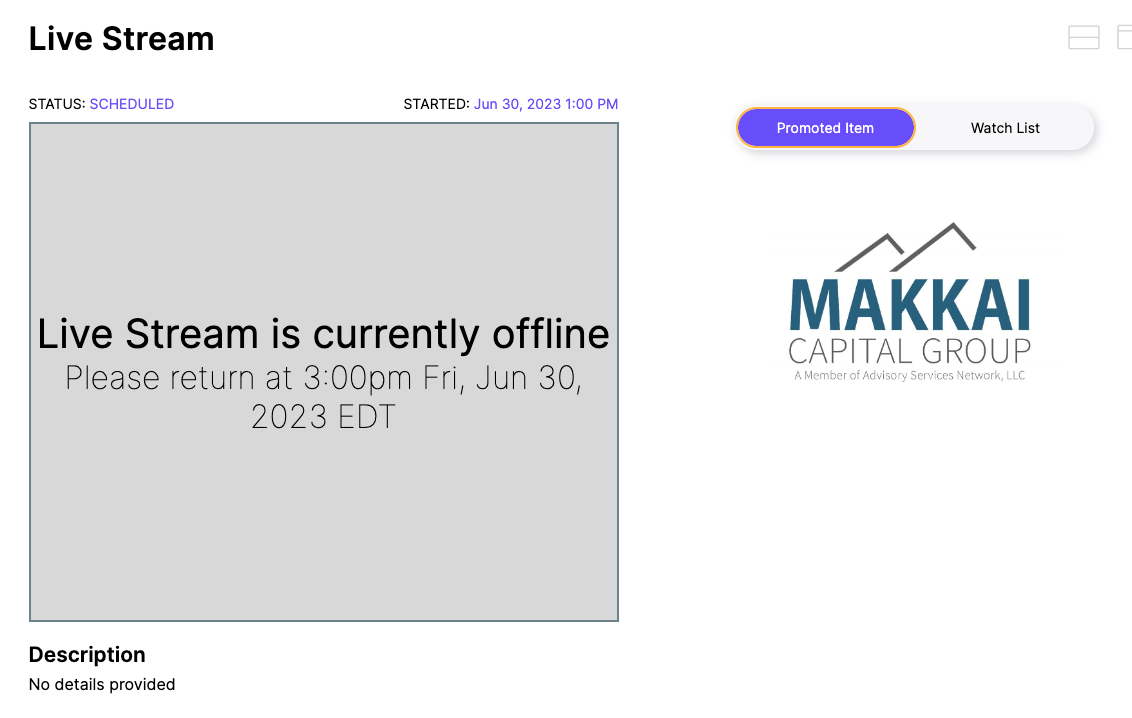
To set up a Live Stream Event Sponsor
- Select the auction settings gear wheel next to your auction name
 .
..png?width=612&height=538&name=Sponsor%20tab%20(auction%2c%20p2p%2c%20campaign).png)
- Navigate to the Sponsors tab.
- Go to Live Stream Sponsor.
- Customize the Live Stream Sponsor text. This text will show above the image.
- Add the Live Stream Sponsor image. This is an 800x600 image.
- Click UPDATE to save.